



This API matches a SeaVantage shipId based on the provided IMO Number and vessel name. A shipId is returned only when both the IMO Number and vessel name match the registered vessel information. Up to 100 vessels can be queried in a single API request.
If the provided IMO Number cannot be found, the API returns IMO_NO_NOT_FOUND. If the IMO Number exists but the vessel name does not match, the API returns SHIP_NAME_NOT_FOUND.

Authentication
The Ship API uses Basic Authorization on Swagger UI.
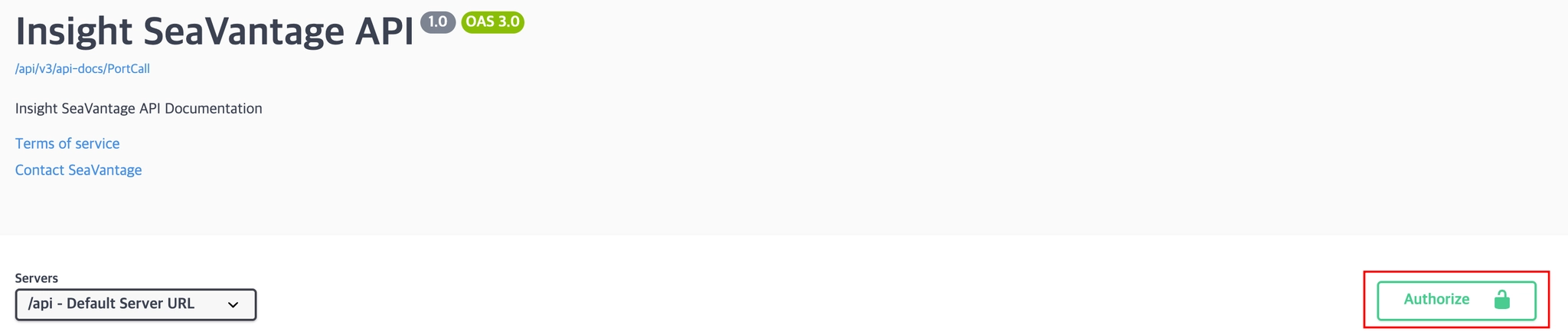
Authentication Steps
1.
Click the [Authorize] button in the top right corner.
2.
Enter the provided username and password in the pop-up window.
3.
Click [Authorize] again to proceed with authentication.
4.
After successful login, click [Close] to close the window.
All API requests from Swagger UI will automatically include the authorization token.
Request Information
Request URL
Request URL : [POST] https://insight.seavantage.com/api/ship/match
Execution Steps
1.
2.
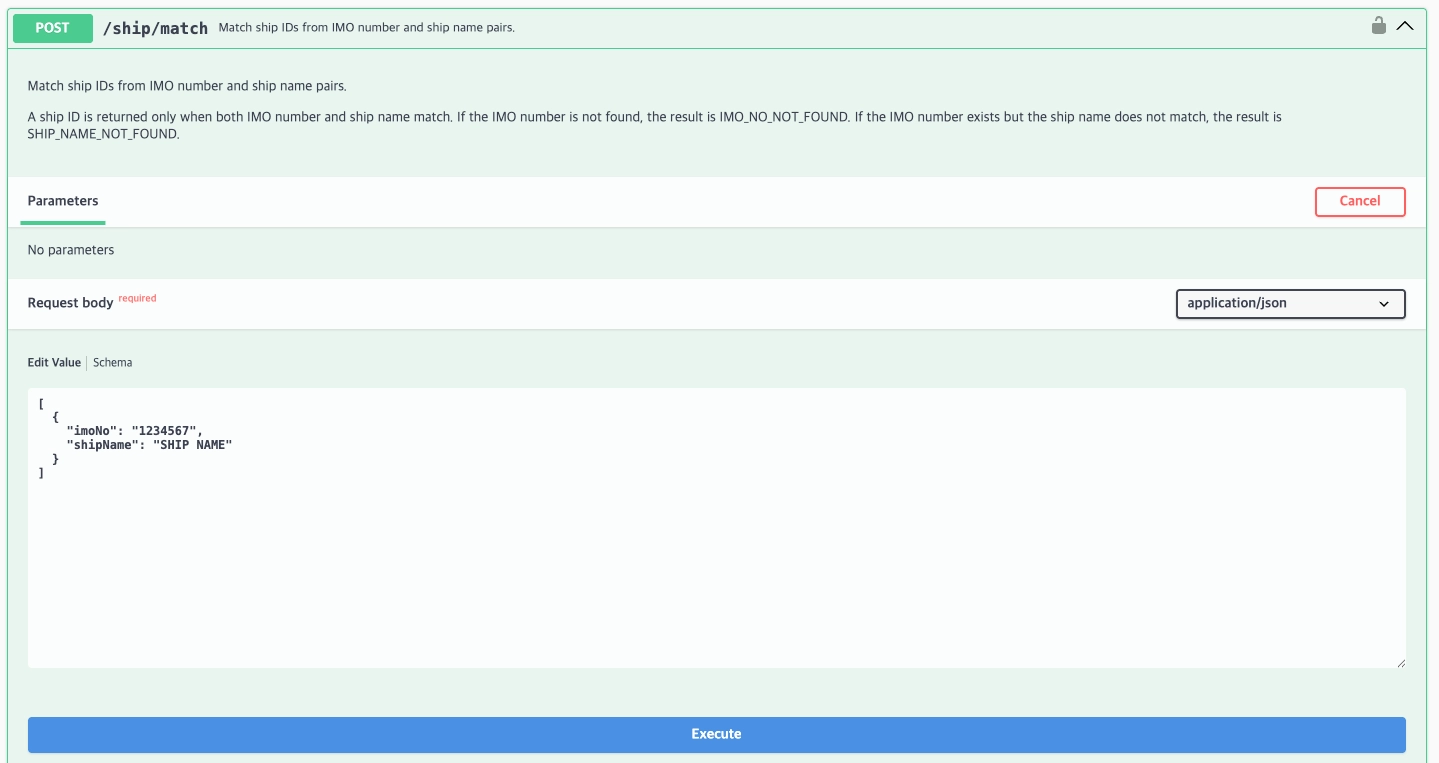
Navigate to the /ship/match endpoint.
3.
Click [Try it out] to activate input fields.
4.
Enter the request body.
Example Request Body
[
{
"imoNo": "9330580",
"shipName": "DS OCEAN"
},
{
"imoNo": "9272682",
"shipName": "YC AZALEA"
}
]
JavaScript
복사
5.
Click [Execute].
6.
View results in the response section.
Response Information
The response is returned in the following format, regardless of whether the request is successful or fails.
Sample Response Format
{
"code": 200,
"message": "OK",
"error": false,
"timestamp": "2026-06-25T07:46:21.992038394",
"response": [
{
"imoNo": "9330580",
"shipName": "DS OCEAN",
"shipId": null,
"result": "IMO_NO_NOT_FOUND"
},
{
"imoNo": "9272682",
"shipName": "YC AZALEA",
"shipId": "9f13225c-d649-4139-9c4c-c1b4c23641a6",
"result": "SUCCESS"
}
]
}
JavaScript
복사
Response Field Descriptions
Top-Level Response Fields
Field | Example Value | Description |
code | 200 | Response status code (used in the same way as standard HTTP status codes).
See the list of codes below for reference. |
message | success | Response message (description based on status) |
error | false | Error flag
true: error occurred
false: successful processing |
timestamp | 2025-05-15T10:56:59.034880881 | Time of response creation (UTC) |
response | Array or Empty Array | Returns an array if data exists; returns an empty array if no data exists |
Response Codes
Code | Description |
200 | Success |
400 | • Bad request
• Invalid IMO Number Length (Must Be 7 Digits) |
401 | Unauthorized |
403 | Forbidden |
422 | Unprocessable entity |
429 | Too many requests, standard rate limit of 100 requests per minute exceeded |
Detailed Response Description
Depth 1 Field Description
Field | Example Value | Description | Data Type |
imoNo | 9330587 | Vessel IMO Number | text |
shipName | DS OCEAN | Vessel Name | text |
shipId | 5687f61a-cfd2-4917-89f7-87e57c5c461c | SeaVantage Unique Vessel ID (shipId) | text |
result | SUCCESS | • SUCCESS : The IMO Number and vessel name both match.
• IMO_NO_NOT_FOUND : The specified IMO Number could not be found.
• SHIP_NAME_NOT_FOUND : The IMO Number exists, but the vessel name does not match. | text |