


This API allows you to deactivate a specific shared link. Only the owner of the shared link can call this API, and once deactivated, the link is no longer accessible.

Authentication
The Share API uses Basic Authorization on Swagger UI.
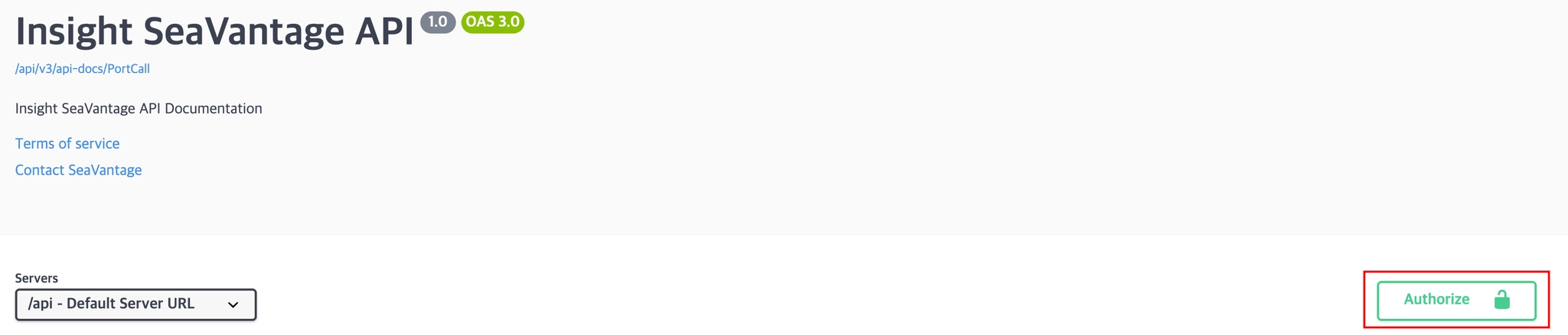
Authentication Steps
1.
Click the [Authorize] button in the top right corner.
2.
Enter the provided username and password in the pop-up window.
3.
Click [Authorize] again to proceed with authentication.
4.
After successful login, click [Close] to close the window.
All API requests from Swagger UI will automatically include the authorization token.
Request Information
Request URL
Request URL : [DELETE] https://insight.seavantage.com/api/share/links/{linkId}
Execution Steps
1.
2.
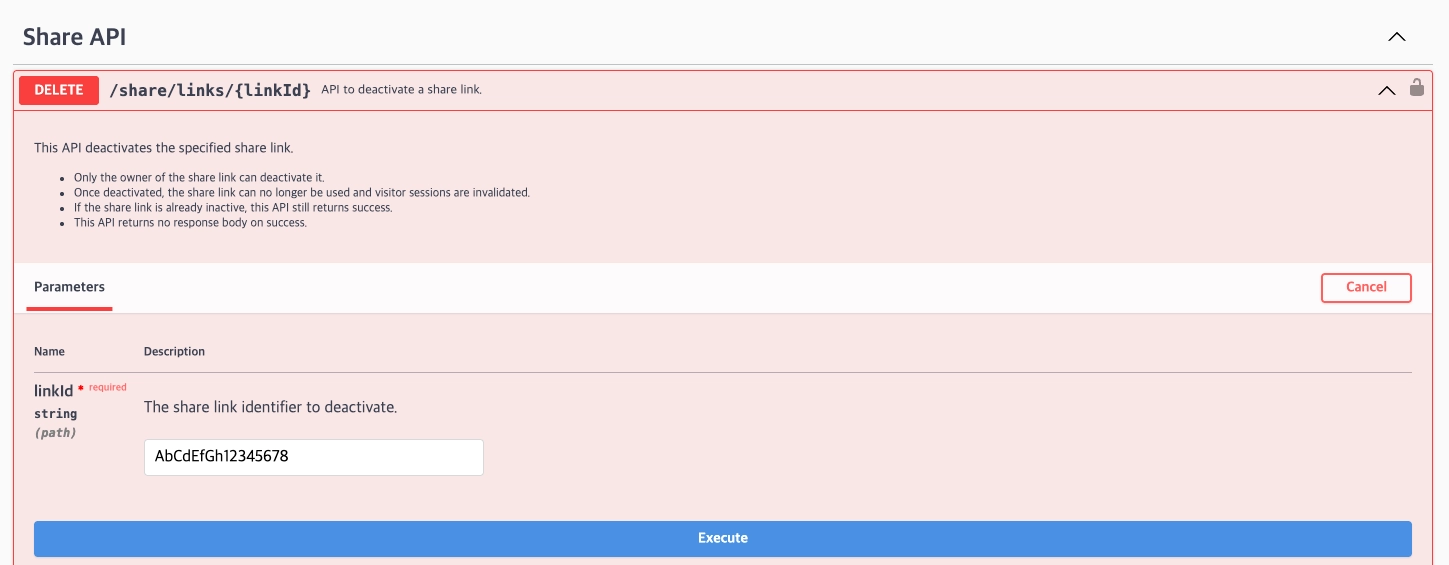
Navigate to the /share/links/{linkId} endpoint.
3.
Required Parameters: Enter the required parameter linkId
•
4.
Click [Execute].
5.
View results in the response section.
Response Field Descriptions
You can determine whether the request was successful or failed based on the HTTP status code.
Response Codes
Code | Description |
204 | Deleted |
400 | Bad request |
401 | Unauthorized |
403 | Forbidden |
422 | Unprocessable entity |
429 | Too many requests, standard rate limit of 100 requests per minute exceeded |
503 | Authorization server is unavailable |