


floatFirstTOC: left
YAML
복사
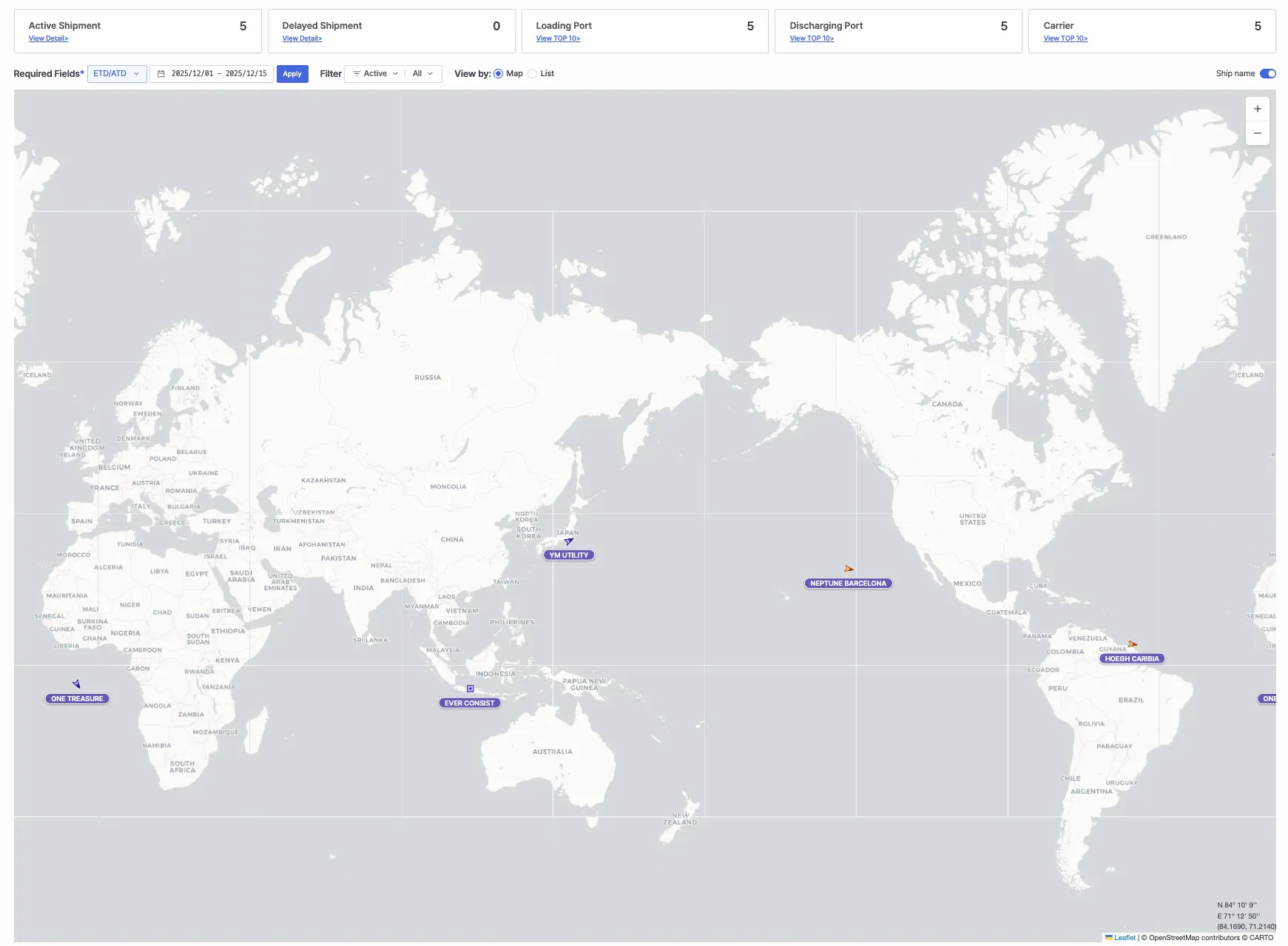
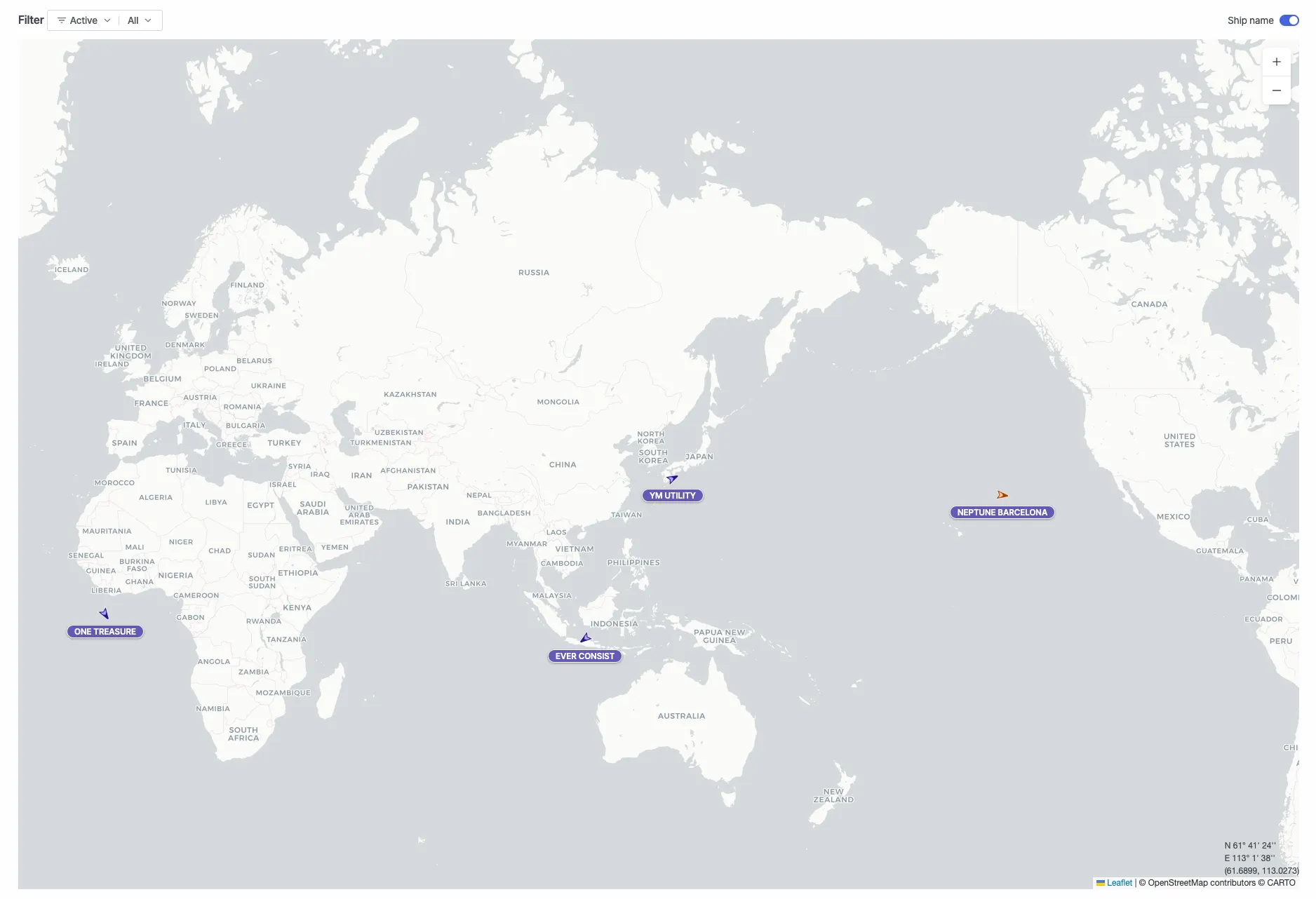
This screen provides a comprehensive overview of shipment status, transportation progress, and port/carrier distribution in a single view. Users can configure search conditions and filters to view shipment information in either Map View or List View.
Screen Embed Service Usage Flow
1. Token Issurance
Issue a user token.
Request Information
Request URL: [GET] https://insight.seavantage.com/api/token/publish
Excution Steps
1.
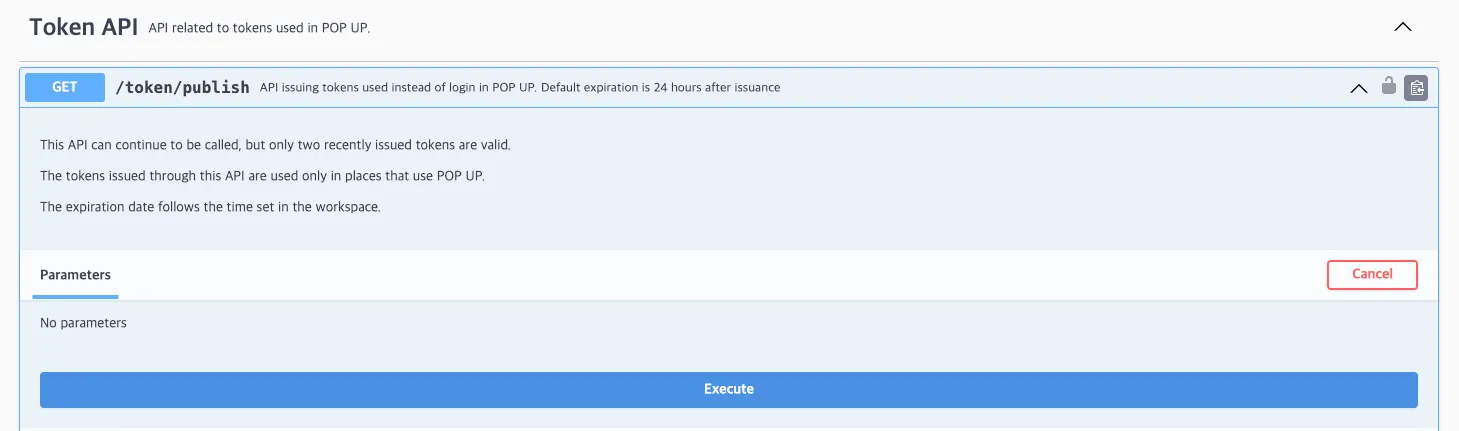
Access the Swagger Documentation and select Token from the Select a definition menu in the top-right corner.
2.
Navigate to /token/publish endpoint.
3.
Click [Try it out] to enable the input fields.
4.
Click [Execute].
5.
Click the result in the response section.
Notes
•
Issued tokens are valid for 24 hours. For continuous access, it is recommended to refresh the token approximately every 12 hours.
•
This API can be called multiple times; however, only the two most recently issued tokens remain valid. Previously issued tokens are automatically expired.

2. Generate Embed URL
Generate a screen embed URL by combining the issued token with parameters.
Parameter Types
The screen embed feature allows you to construct various Cargo Insight Dashboard views by combining the parameters below. The generated URL can be accessed directly via browser or embedded using an iframe .
Notes
•
Only shipments registered in your workspace are available for cargo tracking.
userToken (Required)
•
A valid user token issued by SeaVantage
dateType (Optional)
•
Reference data type for search
Value | Description |
ETD | Estimated Time of Departure |
ETA | Estimated Time of Arrival |
to (Optional)
•
Search end date
Value | Description |
yyyyMMdd | Retrieve shipments and related vessels up to the specified date |
(Not provided) | Retrieve shipments and related vessels up to today + 45 days |
viewType
•
Screen display type
값 | 설명 |
map | Display in Map View |
list | Display in List View |
(Not provided) | Defaults to Map View |
showShipName
•
Whether to display vessel names in Map View
Valule | Description |
on | Display vessel name below the arrow icon |
(Not provided) | Do not display vessel name |
(Not provided) | Defaults to Map View |
mode
•
Screen display mode
값 | 설명 |
simple | Enable simple mode |
(Not provided) | Simple mode disabled |
Combination Examples
•
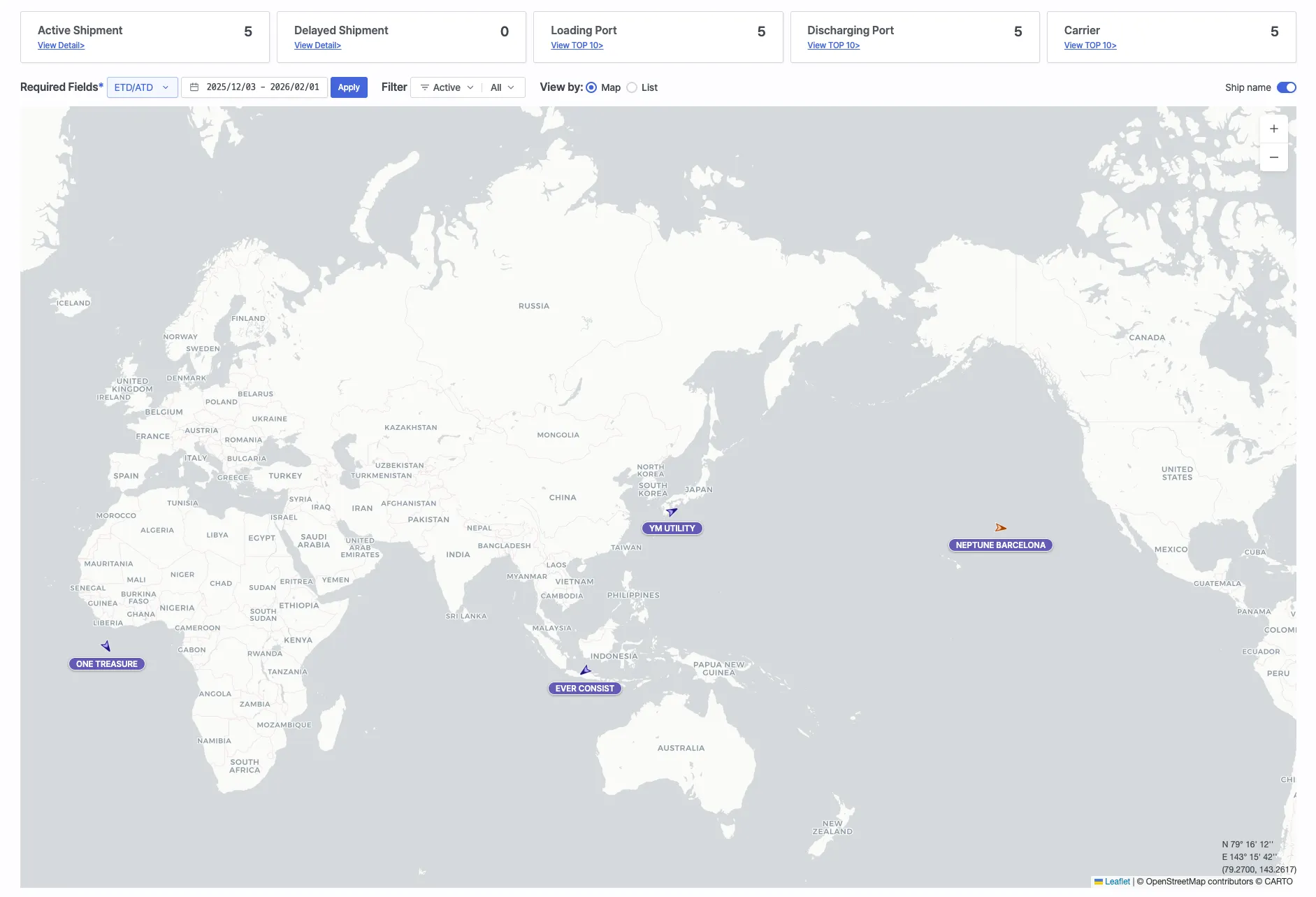
Default view
https://insight.seavantage.com/cargo/overview?userToken={userToken}
Plain Text
복사
•
Simple mode with View and vessel names
https://insight.seavantage.com/cargo/overview?userToken={userToken}&mode=simple&viewType=map&showShipName=on
Plain Text
복사
•
Query by ETD with a specified date range
https://insight.seavantage.com/cargo/overview?userToken={userToken}&dateType=ETD&from=20251201&to=20251215
Plain Text
복사