



You can view a summary of key shipment statuses for shipments registered in Cargo Insight.
Active Shipment
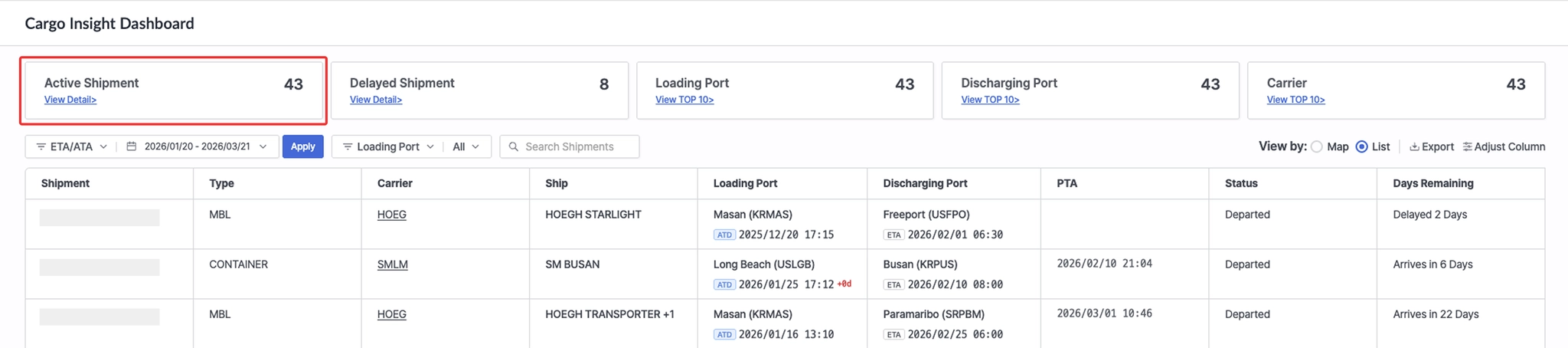
Cargo Insight Dashboard > Top Active Shipment card
•
Displays the number of shipments currently in transit.
•
Click View Detail to view the list of active shipments in List View.
Delayed Shipment
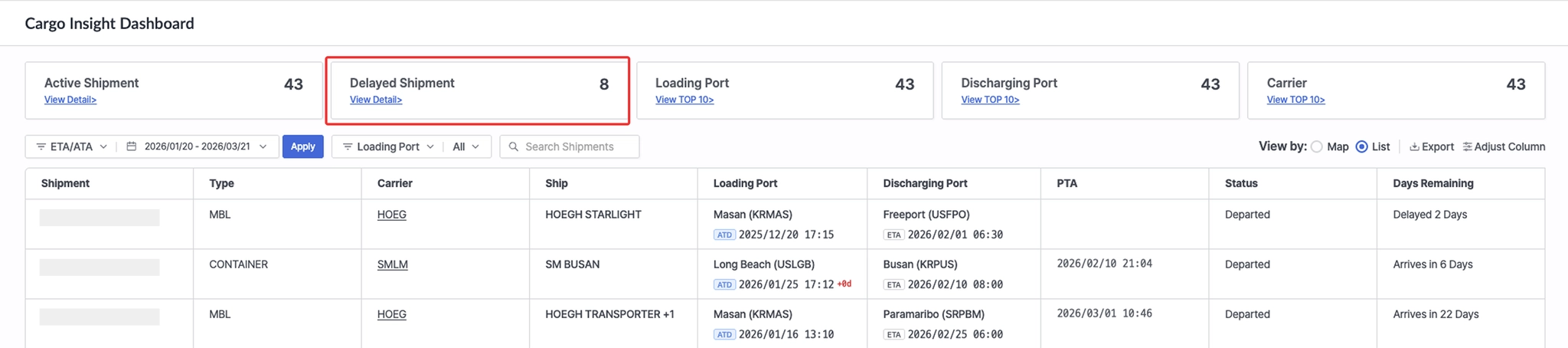
Cargo Insight Dashboard > Top Delayed Shipment card
•
Displays the number of in-transit shipments that have passed their scheduled arrival date (based on POD).
•
Click View Detail to view the list of delayed shipments in List View.
Loading Port
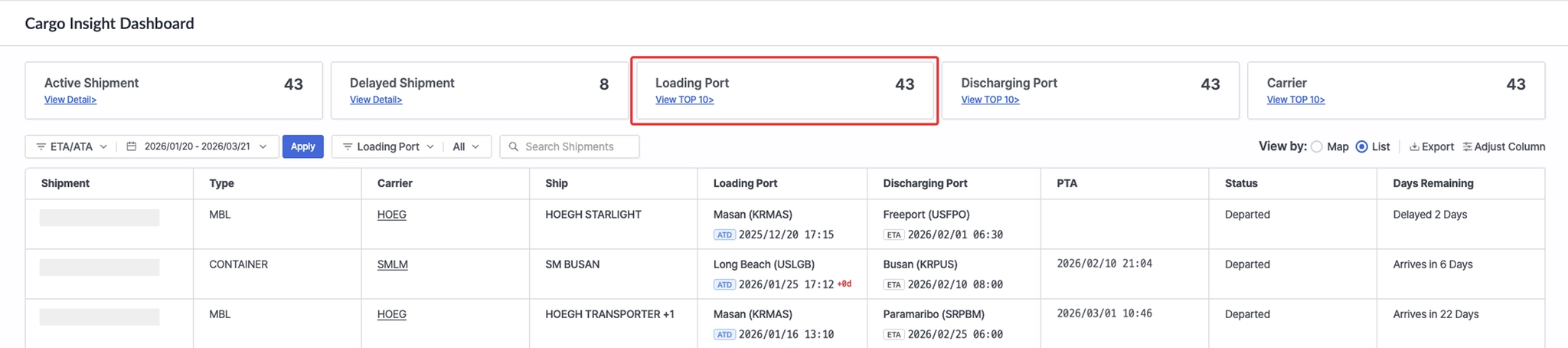
Cargo Insight Dashboard > Top Loading Port card
•
Displays the total number of loading ports based on in-transit shipments retrieved within the period set in Required Fields.
•
Click View TOP 10 to view the number and ratio of Active and Inactive shipments by loading port.
Discharging Port
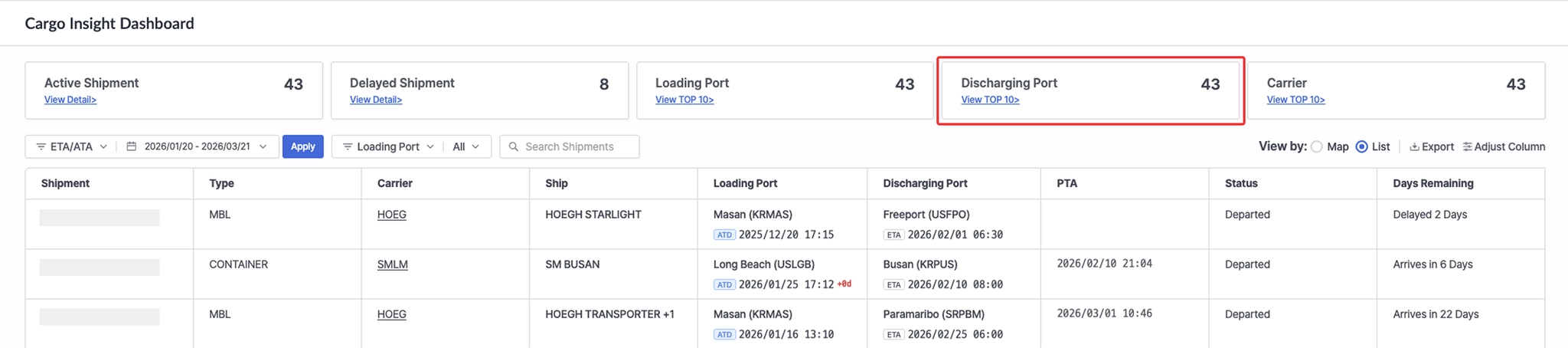
Cargo Insight Dashboard > Top Discharging Port card
•
Displays the total number of discharge ports based on in-transit shipments retrieved within the period set in Required Fields.
•
Click View TOP 10 to view the number and ratio of Active and Inactive shipments by discharge port.
Carrier
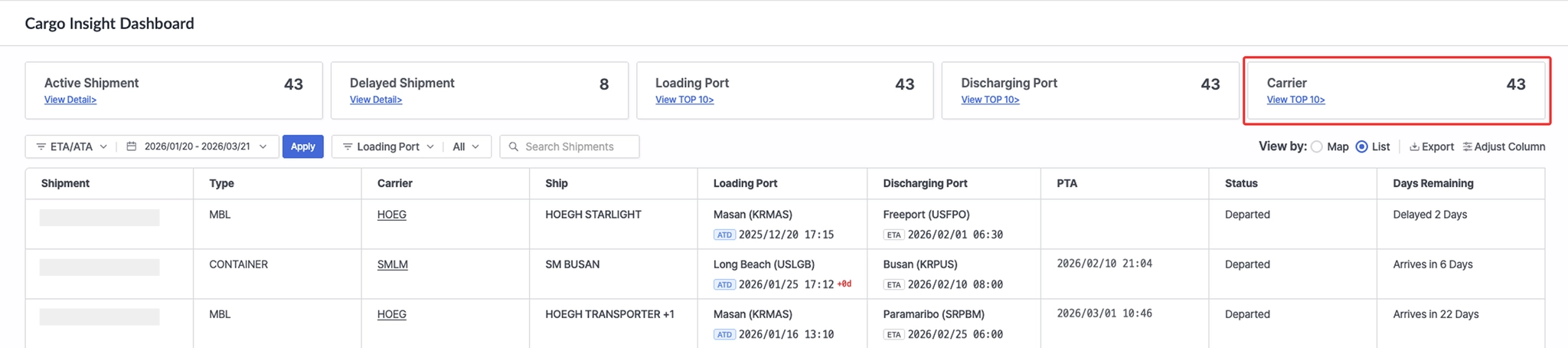
Cargo Insight Dashboard > Top Carrier card
•
Displays the number of in-transit shipments retrieved within the period set in Required Fields.
•
Click View TOP 10 to view the number and ratio of Active and Inactive shipments by carrier.