



The Tools Panel provides functions that help users efficiently utilize the current map view and perform deeper analysis.
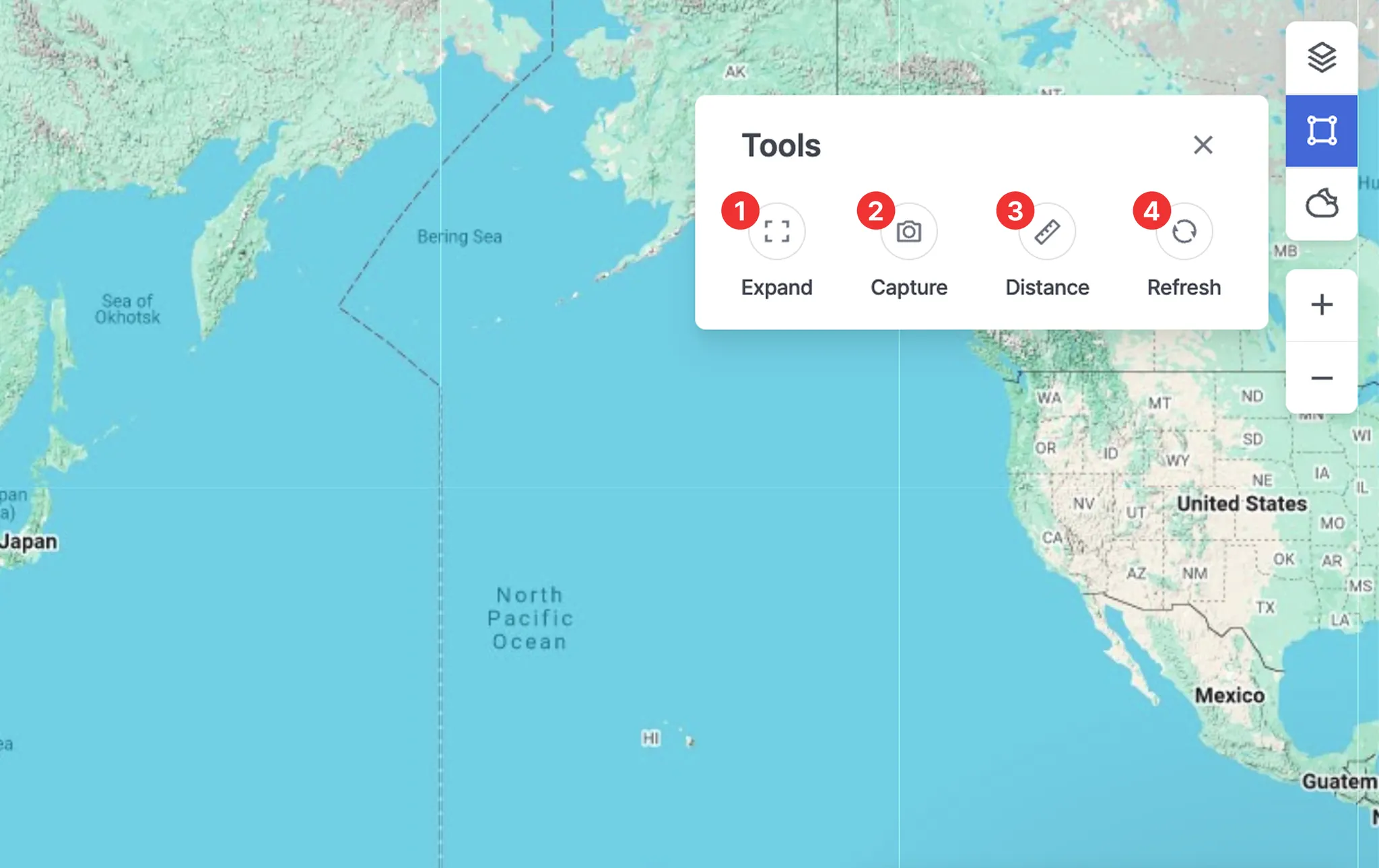
1. Expand
•
Switches the map to full-screen mode to view key information more clearly.
•
Press Esc to exit full-screen mode.
2. Capture
•
Saves the current screen as an image, which can be used for sharing or record-keeping.
3. Distance
•
A measurement tool that allows users to quickly check the distance between selected points.
•
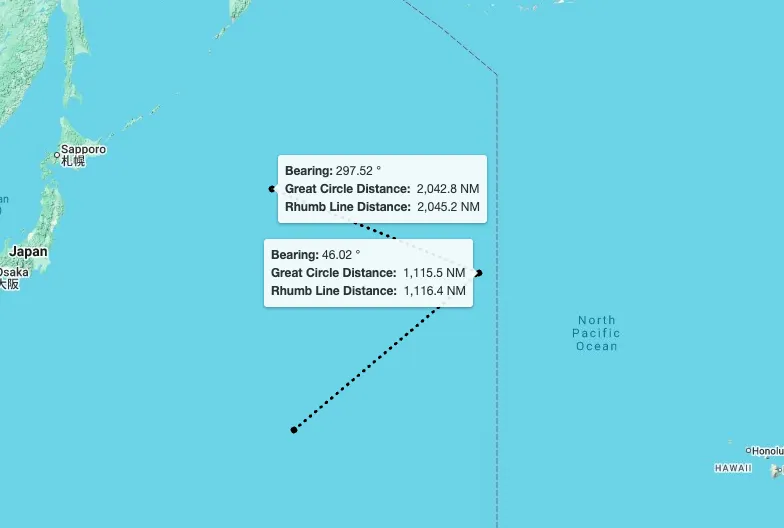
After clicking the starting point and the destination in order, the following information will be displayed: Bearing, Great Circle Distance, and Rhumb Line Distance.
•
How to Measure:
◦
Click points on the map to draw the measurement path.
◦
Double-click to finish drawing when you no longer want to extend the line.
◦
Click the map again to start a new measurement.
◦
To completely exit the distance measurement mode, press Esc or click the Distance button again.
4. Refresh
•
Reloads the latest data and immediately updates the map view.