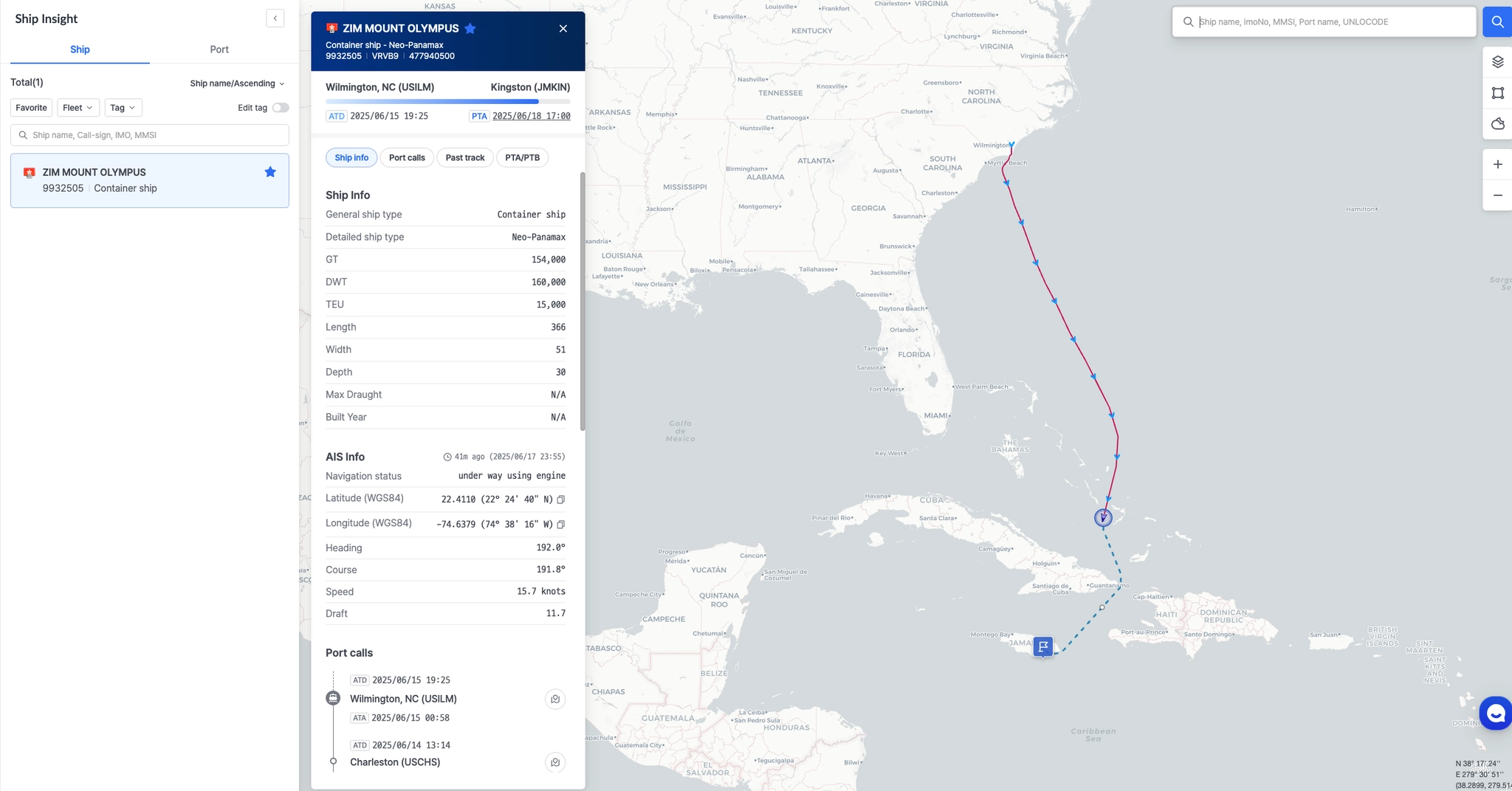




선박의 실시간 위치를 확인하기 위해서는 먼저 선박을 등록해야 합니다.
아래 순서에 따라 선박을 등록해 주세요.
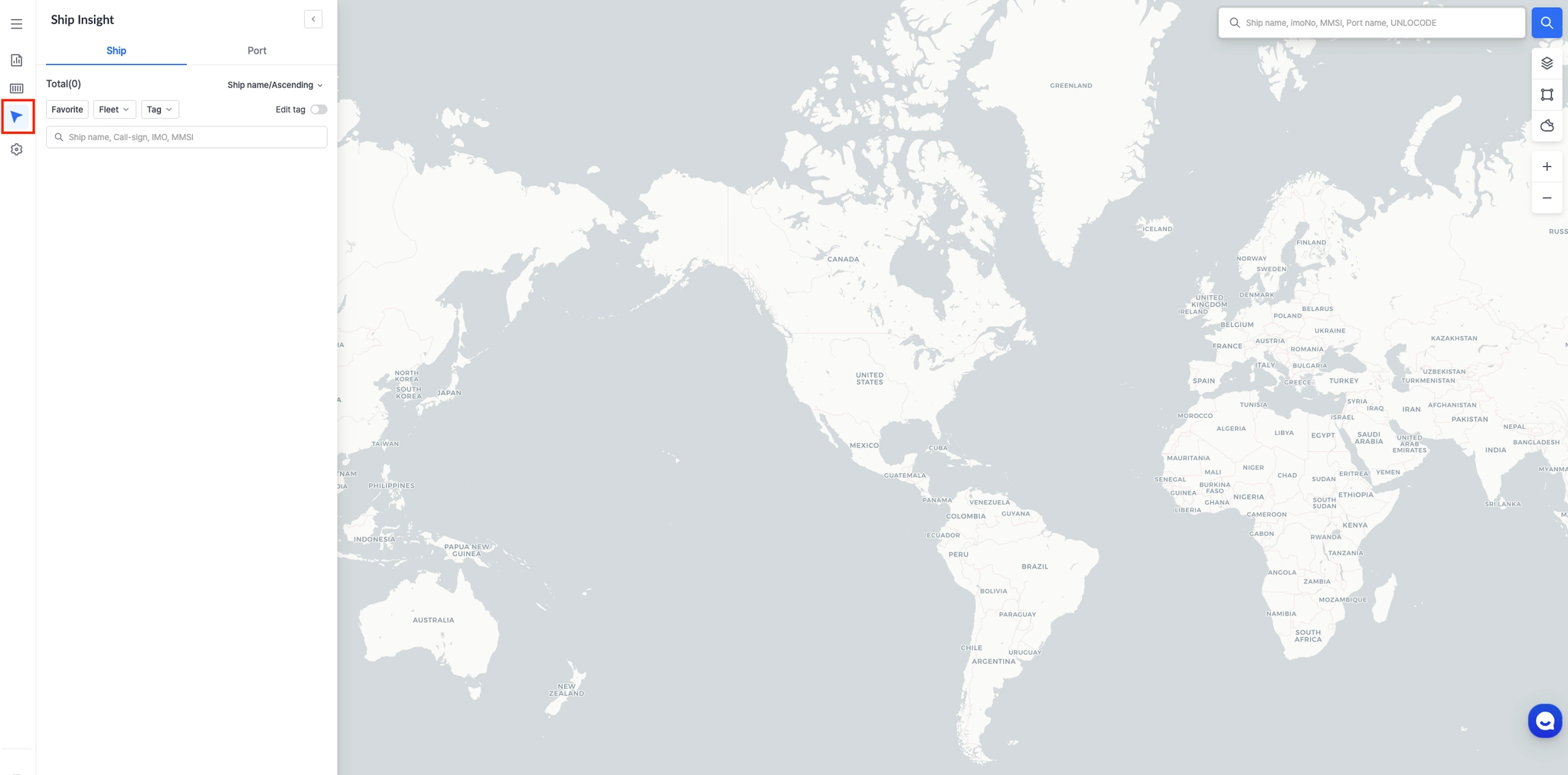
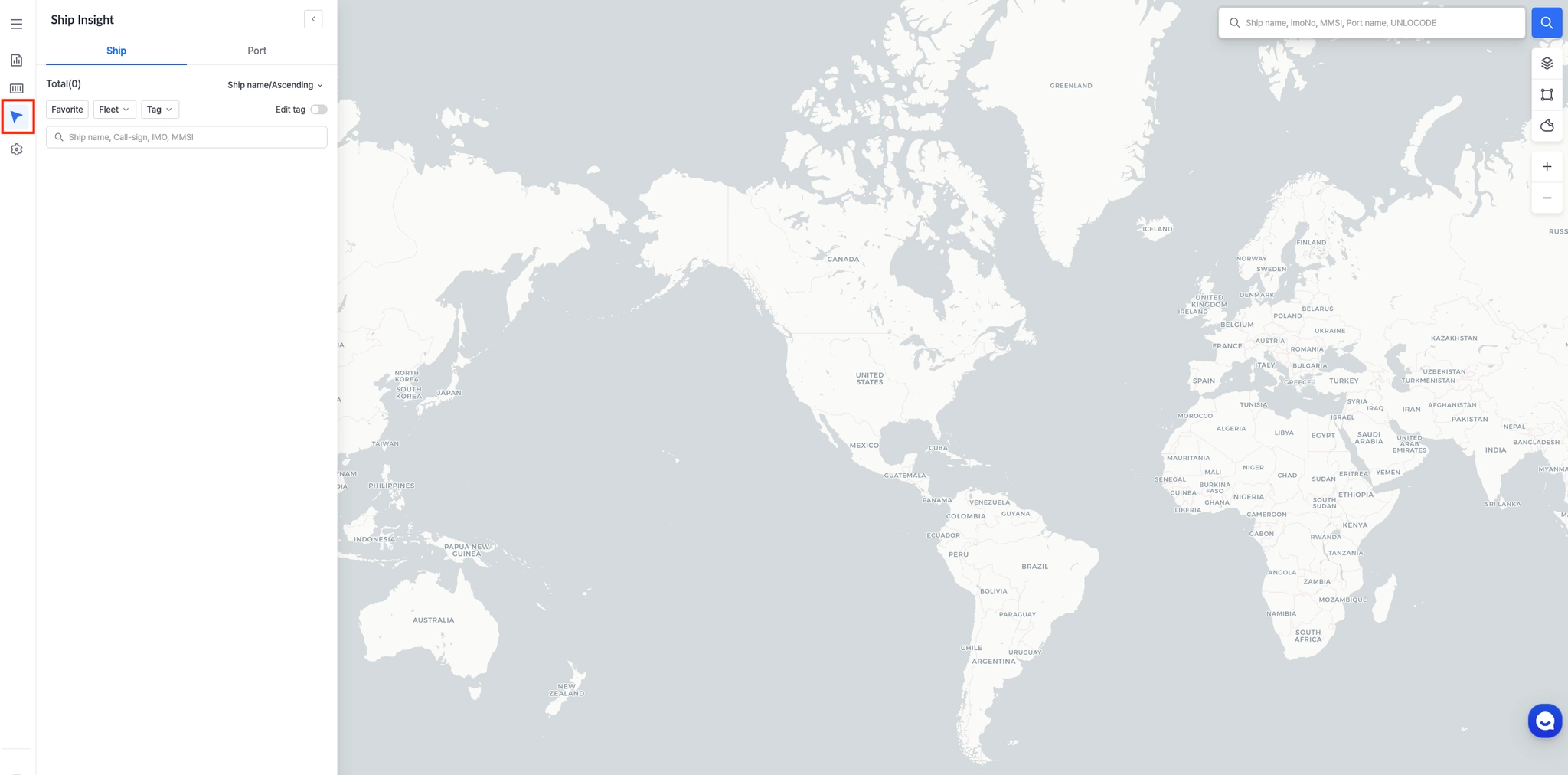
 Ship Insight 로 이동하기
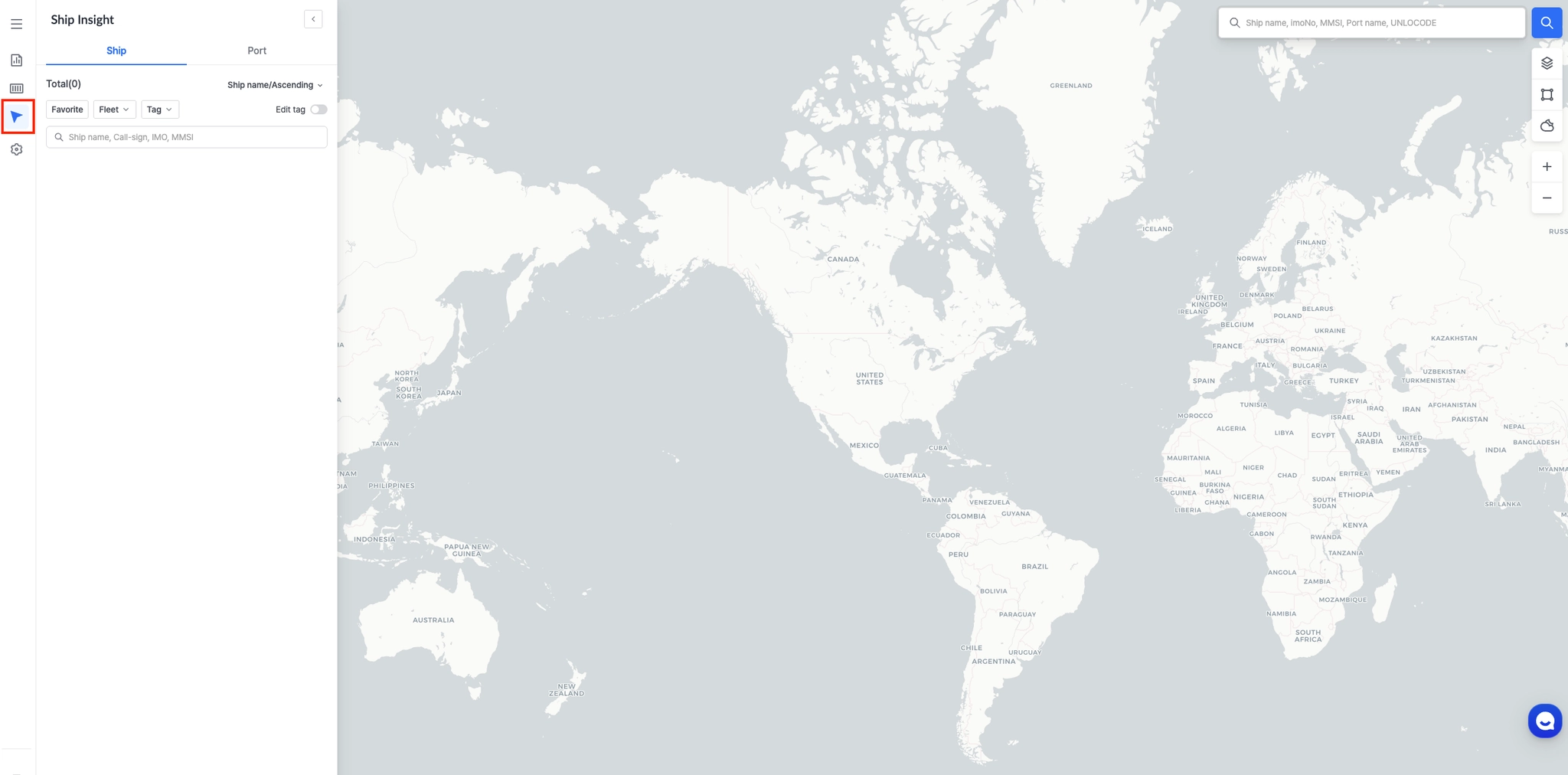
왼쪽 메뉴 바에서 Ship Insight를 클릭하여 메인 추적 화면으로 이동합니다.
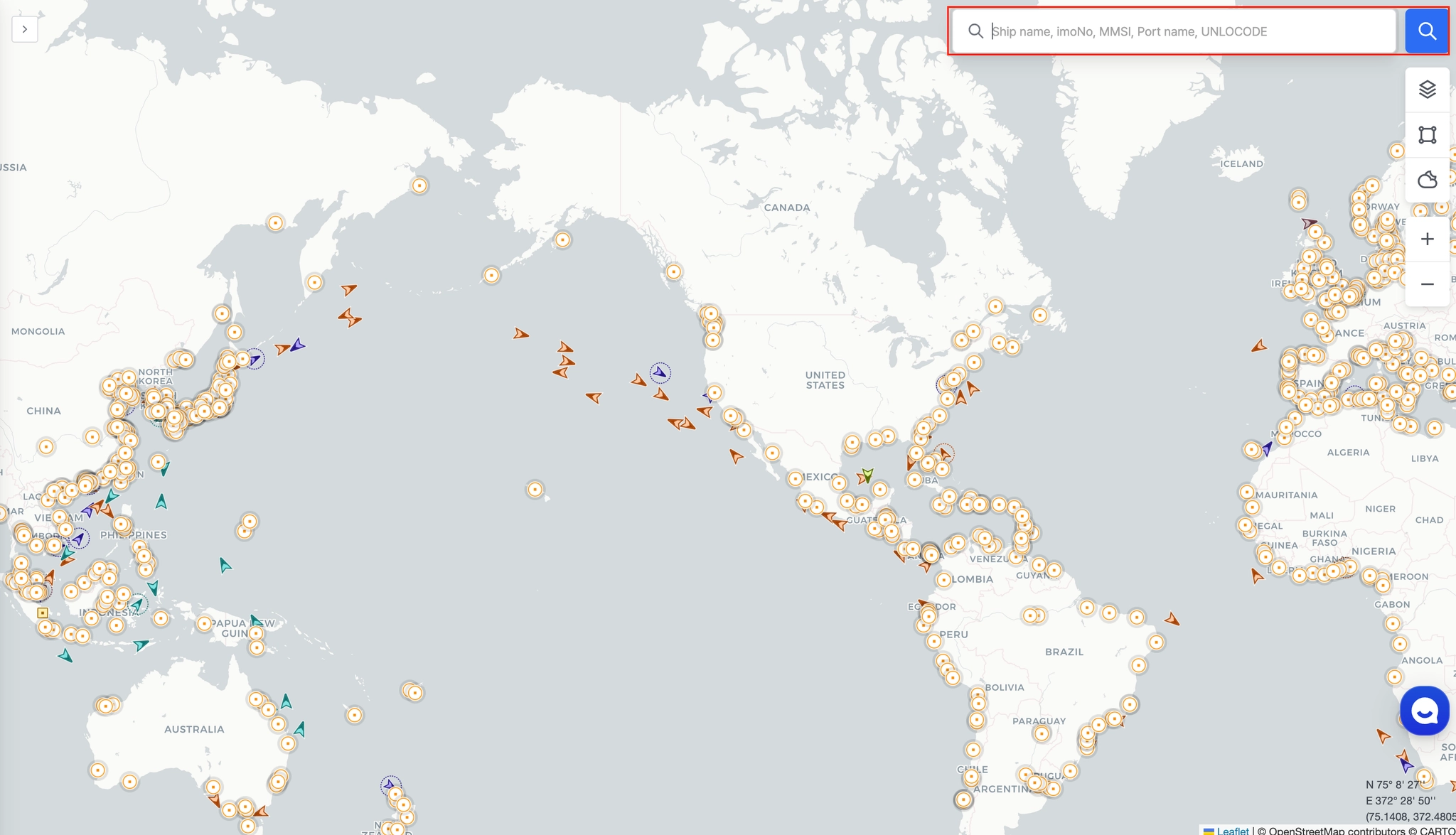
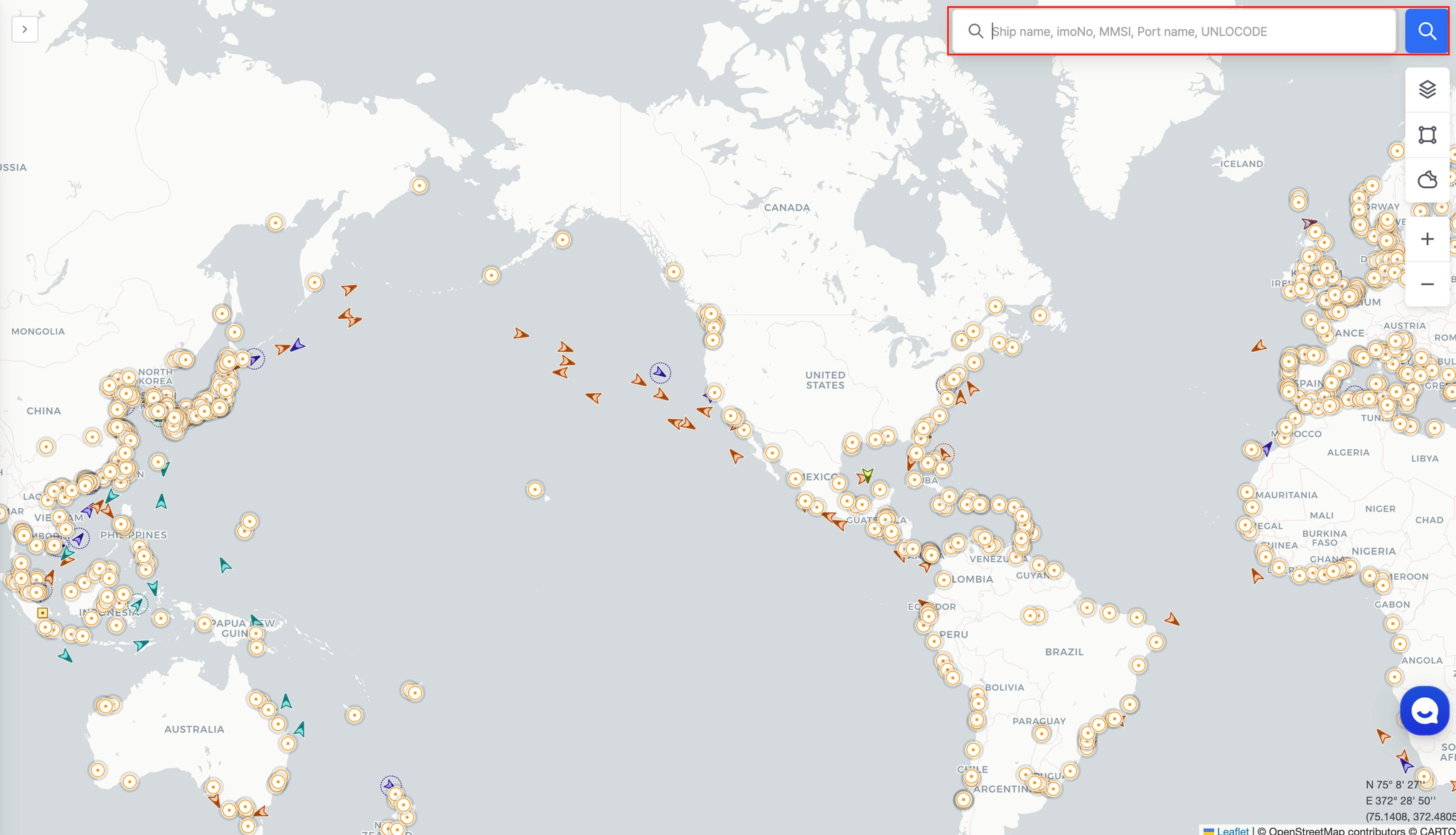
 선박 검색창으로 이동하기
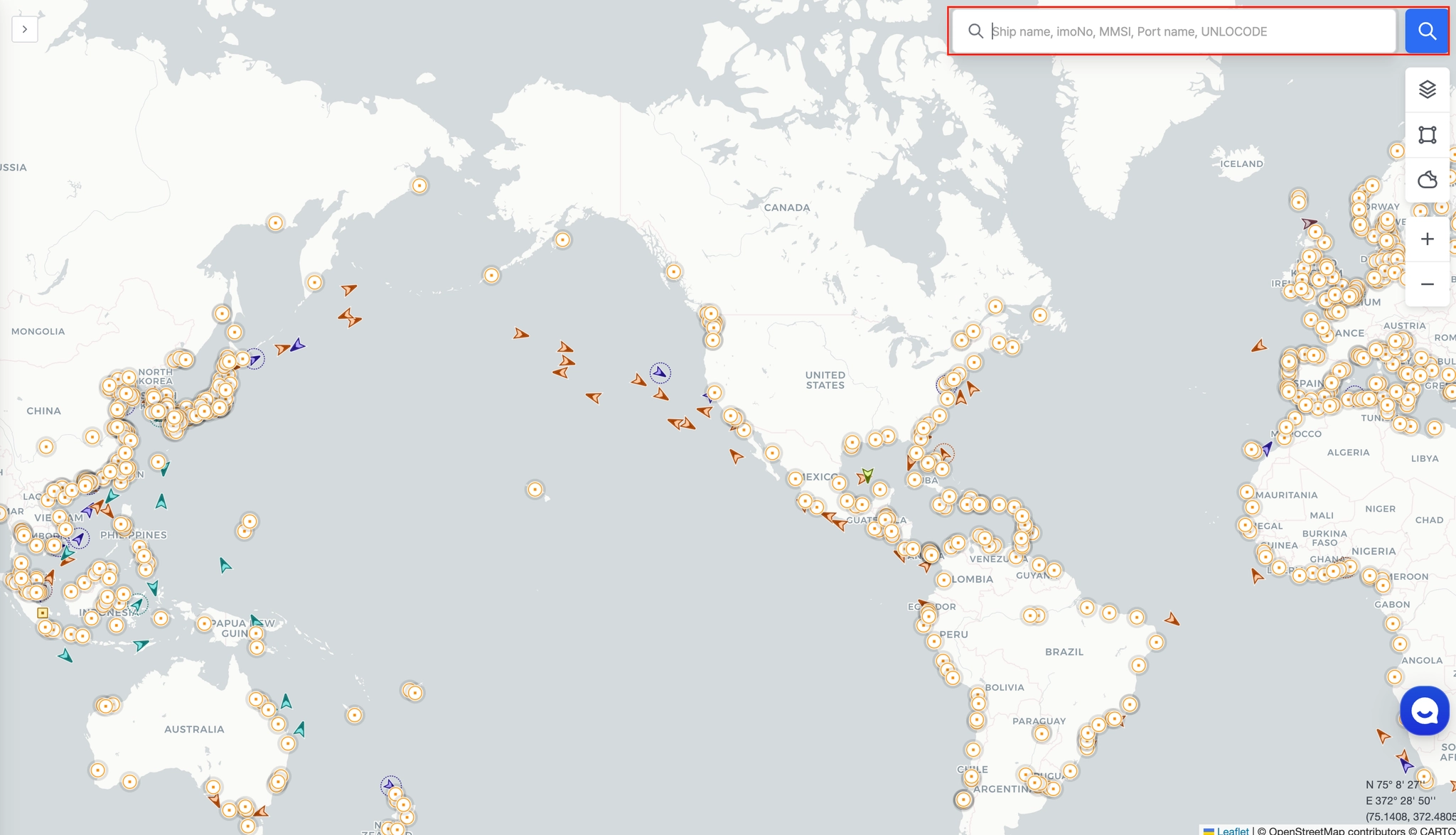
오른쪽 상단에 있는 돋보기 아이콘을 클릭하면 선박 검색창으로 이동합니다.
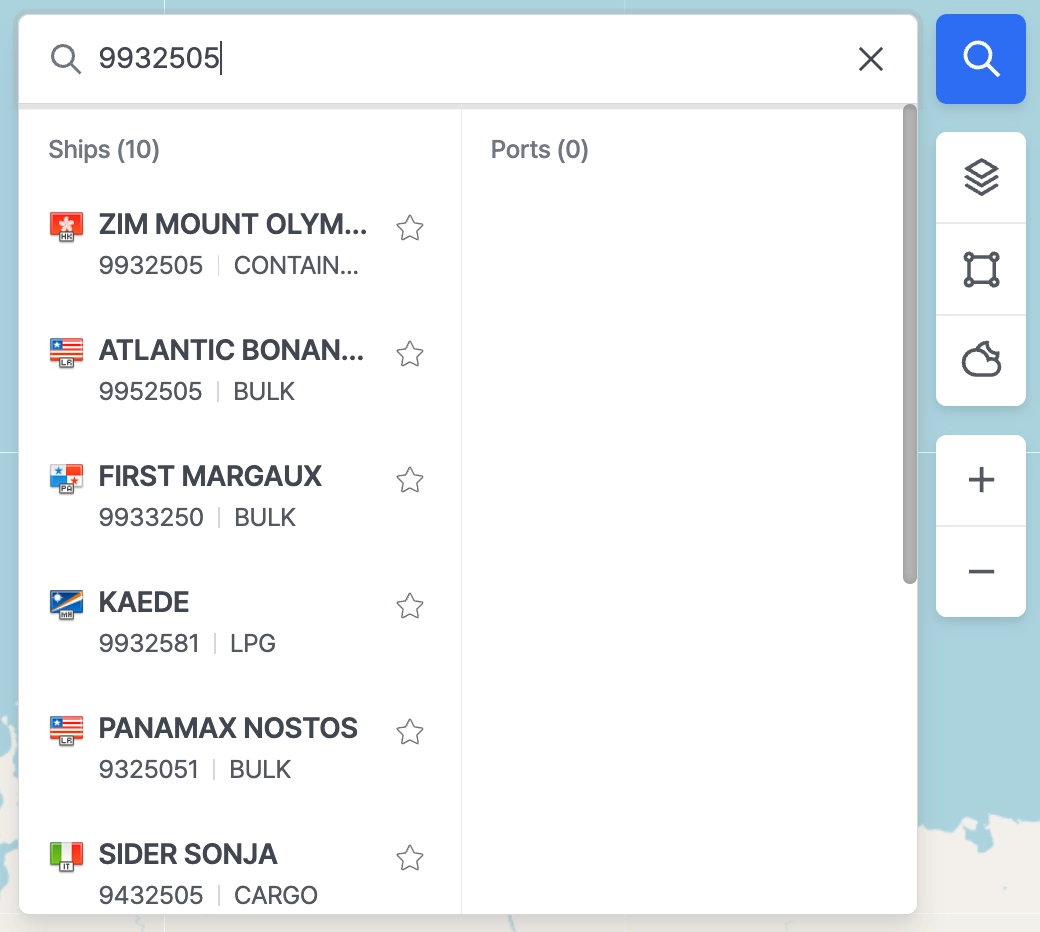
 선박 검색하기
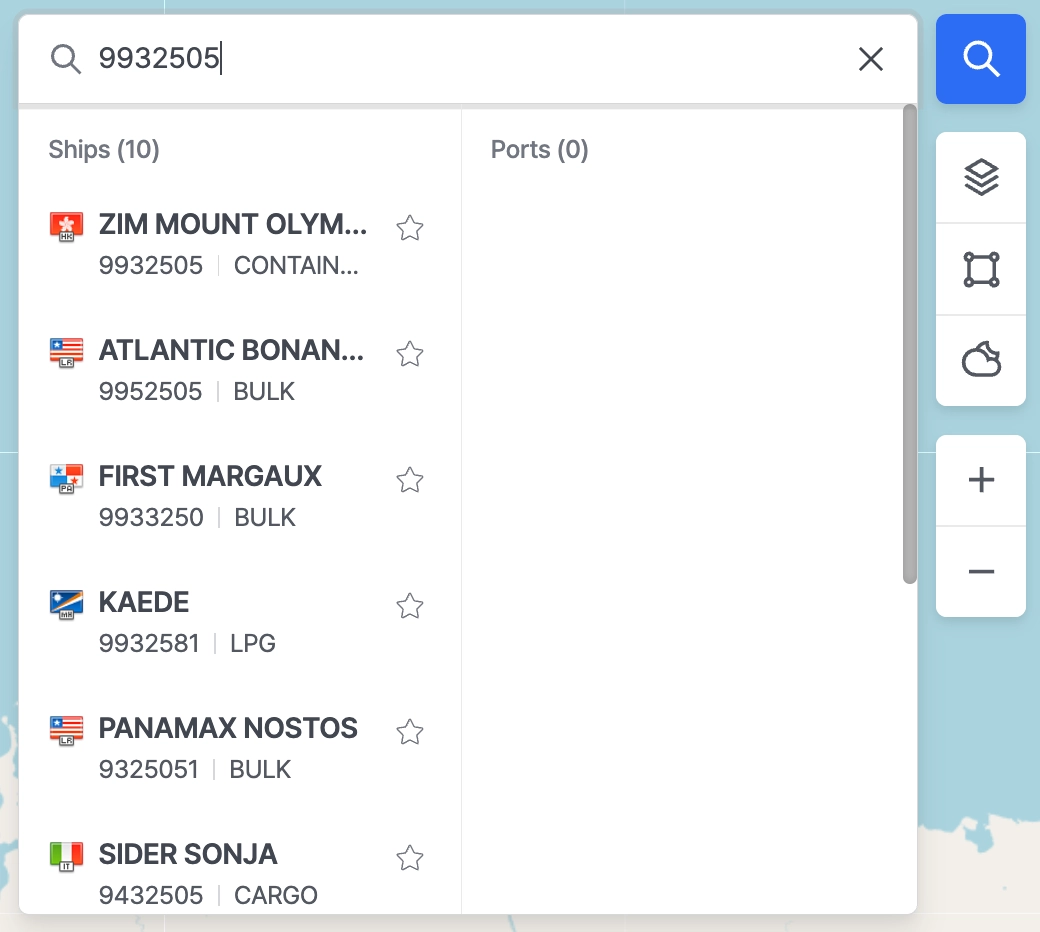
아래 항목 중 하나를 입력하여 선박을 검색 후 조회 대상 선박을 선택합니다.
•
선박명 (Ship Name)
•
IMO 번호
•
MMSI 번호
 선박 등록하기
팝업이 나타나면 Confirm(확인) 버튼을 클릭하여 선박을 My Favorite에 추가합니다

해당 선박이 이미 워크스페이스의 Fleet에 포함되어 있다면 팝업은 나타나지 않습니다.

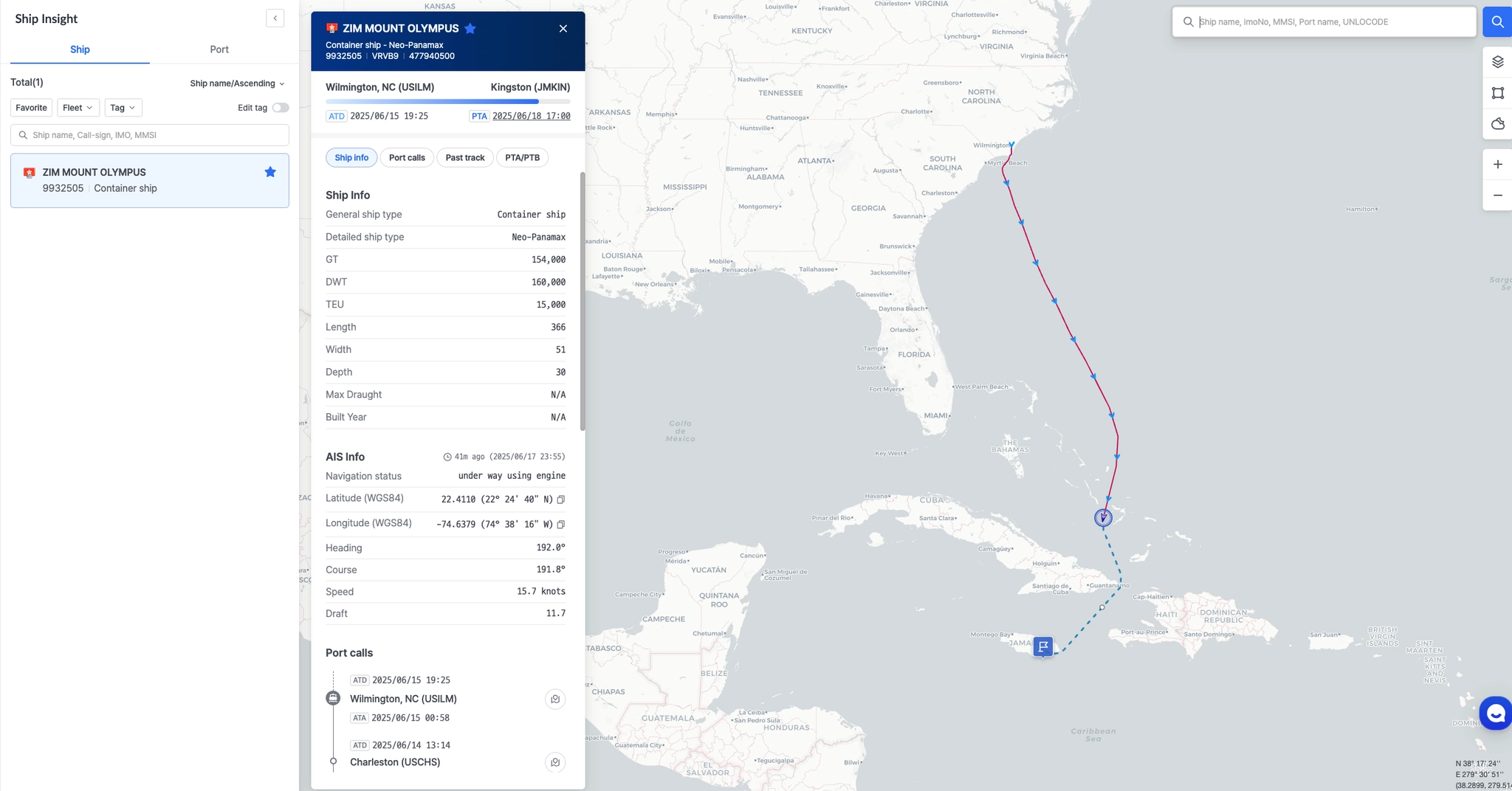
 선박 위치 조회하기
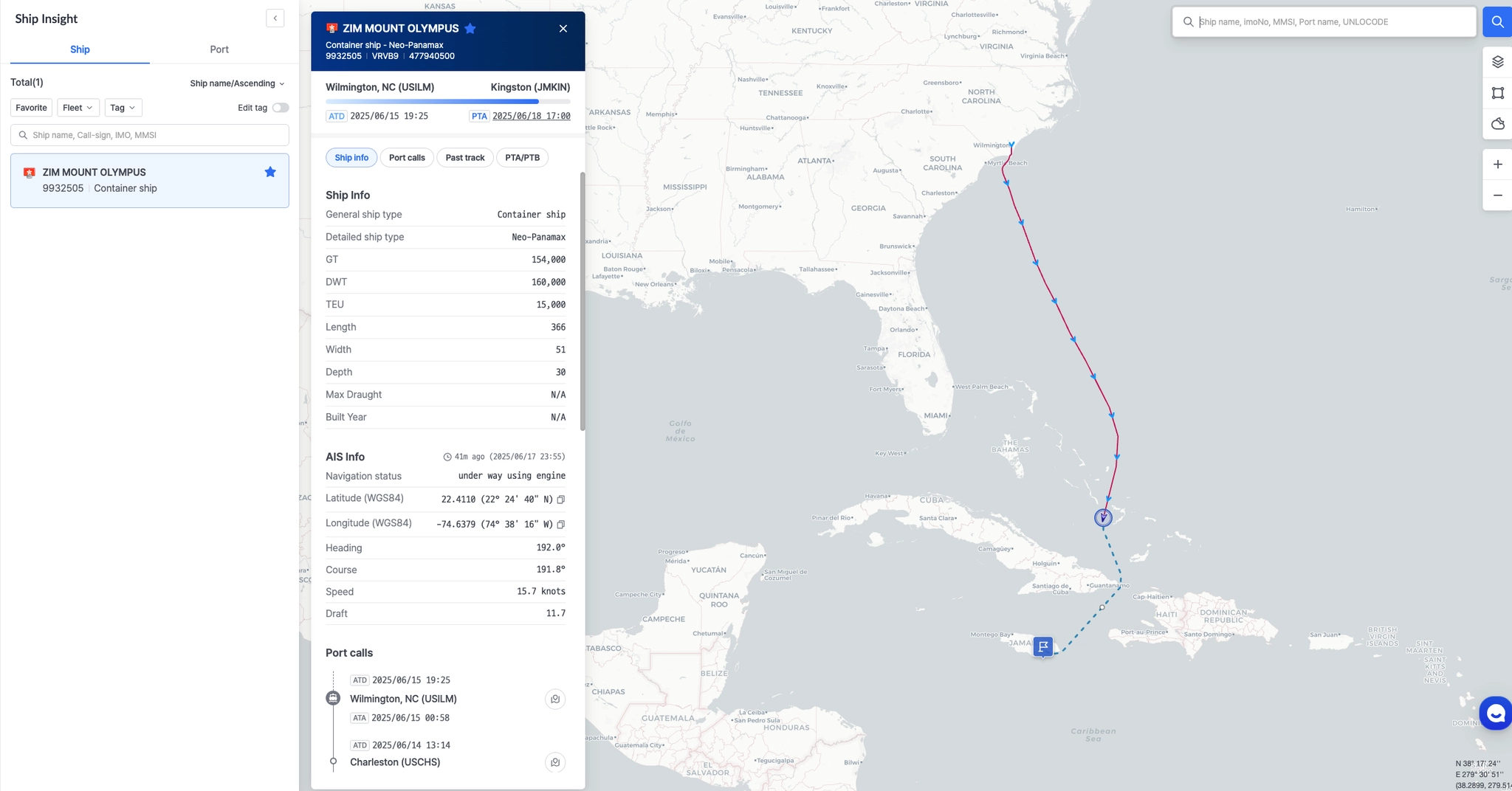
선박 팝업이 열리며 상세 정보(ETA, PTA, 과거항적, 포트콜 내역 등)를 확인할 수 있습니다.
이제 실시간으로 선박 위치를 추적해 보세요.
Ship Insight allows you to register a vessel and monitor its movements quickly.
Follow the steps below to search for a specific ship and add it to your favorites for easier access and real-time tracking.
Navigate to Ship Insight
From the left-hand menu bar, click Ship Insight to access the main tracking interface.
Open the Search Bar
Click the magnifying glass icon in the top-right corner to open the vessel search bar.
Search for a Vessel
Enter one of the following to find the ship you want to track:
•
Ship Name
•
IMO Number
•
MMSI Number
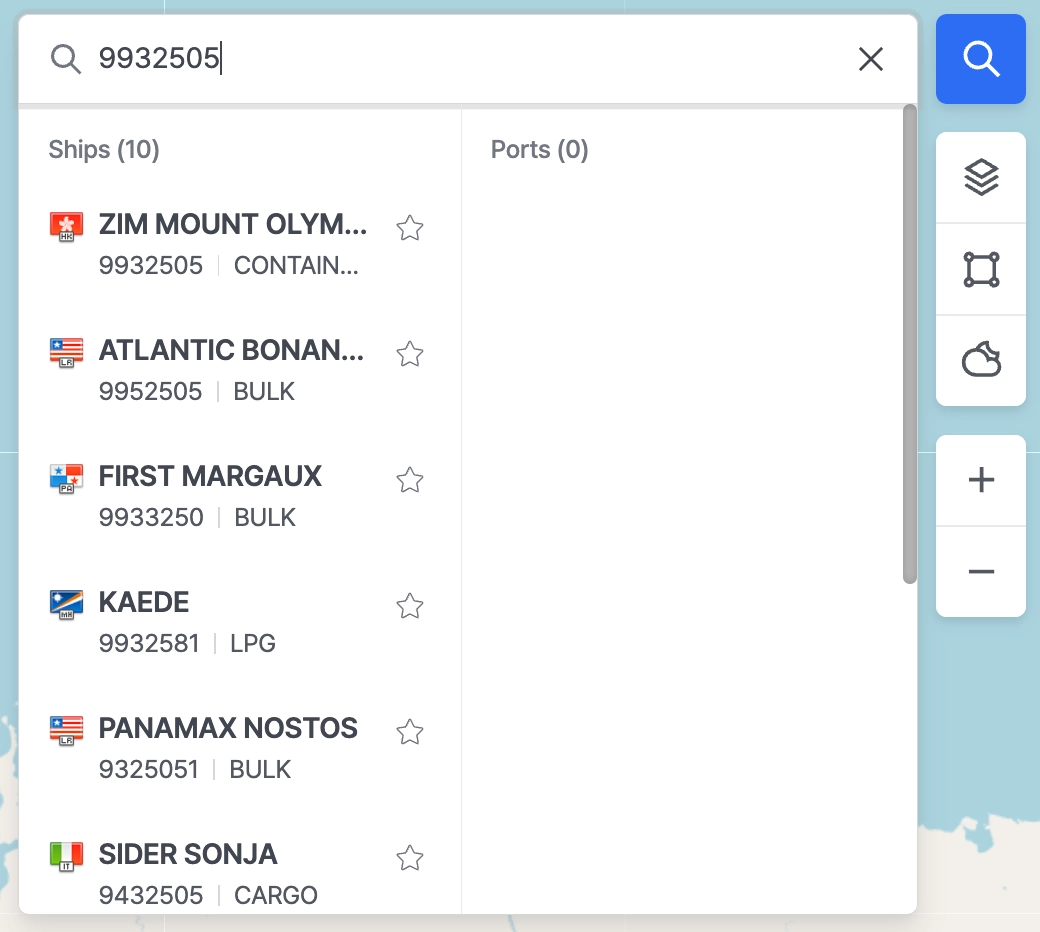
Select a Ship from the Results
Click on the desired ship in the search results to proceed with registration.
Confirm Registration
A confirmation pop-up will appear. Click Confirm to add the vessel to My Favorite.
Note: If the vessel is already included in your workspace fleet, the pop-up will not appear. It will be automatically registered.

 Start Tracking Your Vessel
The Ship Pop-Up will open, displaying detailed information such as ETA, PTA, past track, and port call history.
You can now monitor the vessel’s real-time movements.
floatFirstTOC: right
YAML
복사
선박의 실시간 위치를 확인하기 위해서는 먼저 선박을 등록해야 합니다. 아래 순서를 따라 등록을 완료한 후, 실시간 추적을 시작할 수 있습니다.
실행 순서
1.
왼쪽 메뉴 바에서 Ship Insight 메뉴를 클릭하여 선박 추적 메인 화면으로 이동합니다.
2.
오른쪽 상단의 돋보기 아이콘을 클릭하여 선박 검색창을 엽니다.
3.
아래 항목 중 하나를 입력하여 선박을 검색합니다.
•
검색 결과에서 조회 대상 선박을 선택합니다.
◦
선박명 (Ship Name)
◦
IMO 번호
◦
MMSI 번호
4.
선박을 선택하면 팝업이 나타납니다.
•
Confirm(확인) 버튼을 클릭하여 해당 선박을 My Favorite에 추가합니다.

 해당 선박이 이미 워크스페이스의 Fleet에 포함되어 있을 경우, 팝업은 나타나지 않으며 자동으로 등록 처리됩니다.
5.
등록이 완료되면 선박 상세 팝업이 열립니다.
•
이 화면에서 아래 정보를 확인할 수 있습니다:
◦
ETA (도착 예정 시각)
◦
PTA (예측 도착 시각)
◦
과거 항적
◦
포트콜 이력 등